

Key Takeaways
- Smart thermostats use occupancy sensing and learning algorithms - not just timers - to manage temperature.
- Passive infrared sensors detect motion and help the thermostat determine whether anyone is home.
- Learning models require days or weeks of real usage data before they perform reliably.
- Geofencing uses your phone's location as a secondary signal to anticipate arrivals and departures.
- Smart thermostats have real limitations: poor sensor placement and irregular schedules can reduce accuracy.
- Understanding how the technology works helps you configure it correctly from the start.
Smart Thermostat
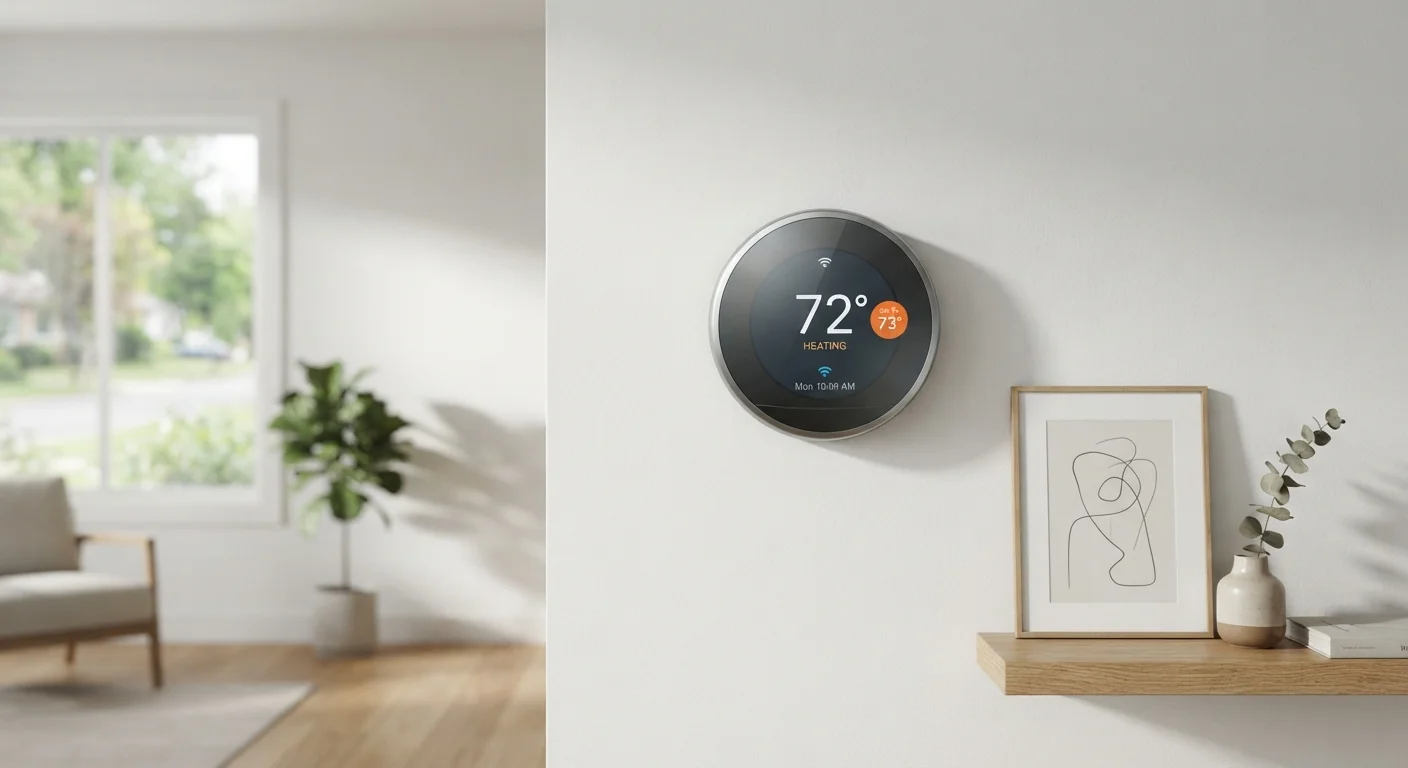
A smart thermostat is a connected device that controls your home's heating and cooling system using sensors, learned behavioral patterns, and internet connectivity - rather than relying on a simple programmed schedule. Unlike traditional programmable thermostats, smart models can detect whether anyone is home, adapt to your daily routines over time, and be adjusted remotely from a smartphone. The result is a system that aims to keep your home comfortable while reducing energy use during times when no one needs it.
Most smart thermostats use a combination of passive infrared (PIR) motion sensors, ambient temperature readings, and cloud-based machine learning models to build occupancy predictions and refine heating or cooling cycles.
What's Actually Happening Inside the Device
The word "smart" gets applied loosely to a lot of home technology - see our explainer on what smart home really means for context - but thermostats are one category where the underlying technology genuinely earns the label.
At the core of most smart thermostats are two sensing systems working in parallel. The first is a passive infrared (PIR) sensor, the same technology used in motion-activated security lights. It detects changes in infrared radiation - essentially body heat moving through a room - and interprets that as occupancy. The second is a standard ambient temperature sensor, which reads the actual air temperature near the unit.
What separates a smart thermostat from a programmable one is what happens with that data. Rather than simply following a clock-based schedule, the device sends readings to a cloud-based system that runs a machine learning model. That model looks for patterns: when does the household typically wake up? When does the house go quiet on weekday evenings? Over time, it builds a probabilistic map of your home's occupancy and uses that to predict - not just react to - when heating or cooling is needed.
10-12%
Estimated heating energy reduction
The U.S. EPA's ENERGY STAR program has cited estimates in this range for households that switch from older, manually operated thermostats to properly used smart models.
~2 weeks
Typical learning period before stable automation
Most smart thermostat manufacturers document a one-to-two-week calibration window before the learning model reaches reliable occupancy predictions.
65%
Of U.S. household energy use attributed to heating and cooling
According to the U.S. Energy Information Administration (EIA), space heating and cooling account for a larger share of residential energy use than any other end use.
Geofencing: Using Your Phone as a Sensor
Motion sensors have a practical limitation: they can't tell the difference between a house that's temporarily unoccupied for three hours versus one where everyone has left for the day. To address this, most smart thermostats can integrate with your smartphone's GPS through a feature called geofencing.
Geofencing draws a virtual perimeter - typically a radius of one to several miles - around your home address. When your phone exits that zone, the thermostat interprets this as a departure signal and shifts to an energy-saving mode. When you re-enter the zone, it begins warming or cooling the home ahead of your arrival.
The catch is that geofencing depends on your smartphone having location services enabled and battery sufficient to run them. It also only tracks registered household members' phones. A household with a mix of commuters, remote workers, and irregular visitors will produce messier location data, which can reduce how well the system anticipates actual occupancy.
Set a Geofencing Radius That Matches Your Commute
A geofencing radius that's too small gives the thermostat very little lead time to pre-condition your home. Most systems allow you to adjust this radius in the app - setting it to match roughly 15-20 minutes of travel time from your home gives the HVAC system enough runway to reach a comfortable temperature before you arrive. Experiment with the setting during your first week of use.
Where Learning Algorithms Fall Short
The learning capability in smart thermostats is genuinely useful, but it's worth understanding its boundaries. These systems are pattern-recognition tools - they identify regularity. Households with highly variable or irregular schedules present a harder problem for any predictive model.
Sensor placement also matters more than most installation guides emphasize. A thermostat installed near a frequently used hallway will record higher apparent occupancy than one placed in a seldom-visited corner. Neither reading is wrong, but both shape how the algorithm interprets your home's activity.
Additionally, the first one to two weeks after installation are effectively a training period. During that window, the device's automation may feel imprecise - because it is. Overriding it manually during this phase is normal and actually contributes useful signal to the learning model.
For a broader look at how connected home devices can surprise you, the common myths about smart home privacy article addresses related misconceptions worth reading before you set up any always-connected device.
Getting the Most Out of the Technology
Understanding how these systems work translates directly into better configuration. A few practices can significantly improve how reliably a smart thermostat performs in a real household.
- Enable geofencing for all regular occupants. The more location data the system has, the more accurate its occupancy predictions become.
- Position matters. Install the device on an interior wall, away from direct sunlight, drafts, or heating vents that could skew temperature readings.
- Let it learn before locking in preferences. Resist the urge to over-program the first week; manual overrides during training are fine, but heavy pre-scheduling can slow the learning process.
- Verify HVAC compatibility first. Not all heating and cooling systems are supported - check your system's wiring type and voltage requirements before committing to a particular unit.
If you're just starting to explore home automation more broadly, smart plugs offer a low-commitment entry point with scheduling and energy monitoring features that complement what a smart thermostat does for climate control.
“The most effective energy management systems are those that make efficiency the default - not a task the homeowner has to remember to do. When a thermostat learns the household's patterns and acts on them automatically, the friction of saving energy essentially disappears.”
— Building Science Researcher, Academic researcher specializing in residential energy systems and smart building technology