

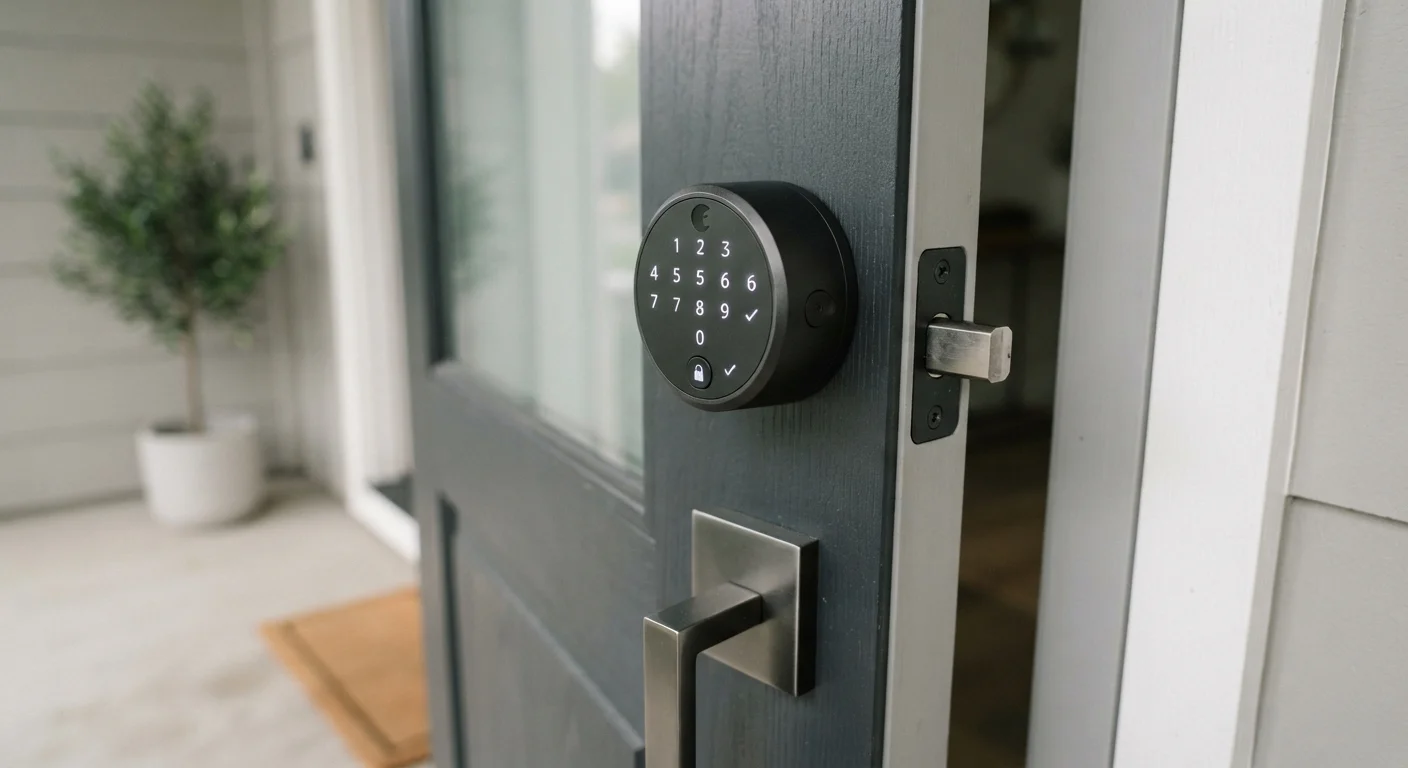
Key Takeaways
- Smart locks need a power source - most run on batteries that require monitoring and periodic replacement.
- Compatibility with your existing deadbolt and door hardware is a critical first check before purchasing.
- Access sharing and audit logs vary significantly between platforms, so review app features before committing.
- Power outages and connectivity failures require a mechanical backup plan to avoid lockouts.
- Privacy implications of smart lock data depend heavily on the manufacturer's data policies.
Summary
18 items · 20-40 minutes
Why Front Door Automation Deserves Careful Thought
Automating your front door sounds straightforward - swap out the deadbolt, install an app, hand out digital keys. In practice, a smart lock sits at the intersection of home security, network connectivity, and physical hardware, which means small oversights during the planning stage can create real headaches later.
Unlike smart plugs, which are a low-stakes entry point into home automation, a front door lock is load-bearing in ways that matter: it controls physical access to your home. Getting it wrong isn't just inconvenient - it can leave you locked out or, in edge cases, leave your door vulnerable. This checklist is designed to help you think through every angle before making a decision.
If you're evaluating other connected devices at the same time, it's also worth reading about common myths around smart home privacy to calibrate your expectations about data handling across the category.
Tape measure
Measure door thickness and deadbolt backset to confirm hardware compatibility.
Wi-Fi signal meter or router app
Check signal strength at the front door before committing to a Wi-Fi-dependent lock.
Password manager
Generate and store a strong, unique password for your smart lock's app account.
Manufacturer's privacy policy (printed or saved)
Review data retention and third-party sharing terms before finalizing your purchase.
Screwdriver set
Most smart lock installations require only a Phillips-head screwdriver for the interior assembly.
Smart home hub (if applicable)
Required if the lock uses Z-Wave or Zigbee connectivity rather than direct Wi-Fi or Bluetooth.
The Full Pre-Installation Checklist
Work through the groups below before purchasing any hardware. Items marked must are non-negotiable for a safe, functional installation. Should items represent strongly recommended practice, and nice-to-have items are enhancements worth considering if your setup allows.
Hardware Compatibility
Power and Connectivity
Access Management
Security and Privacy
Long-Term Considerations
Don't Skip the Physical Key Override
Some smart locks - particularly deadbolt-replacement models - omit a physical key cylinder entirely to streamline the exterior look. While this is convenient day-to-day, a dead battery, failed app update, or loss of internet connectivity can leave you with no mechanical fallback. Always confirm that a physical key option is available, and keep a spare key somewhere accessible before you rely solely on digital access.
When you're done with this checklist, apply the same disciplined lens to any other purchase by reviewing questions shoppers commonly forget to ask before buying - particularly around warranty coverage and parts availability.
A Note on Privacy and Data
Smart locks collect data: entry timestamps, user identifiers, and in some cases location pings from paired smartphones. That data is typically stored on the manufacturer's servers and governed by their privacy policy - a document most buyers never read. Before finalizing a choice, download and skim the privacy policy of the app platform you'll be using. Look specifically for retention periods, third-party data sharing, and what happens to your data if the company is acquired or shuts down.
For a broader look at how connected home devices handle data, our piece on home security cameras and cloud versus local recording covers the underlying trade-offs in depth - many of the same principles apply to smart locks.
App Discontinuation Is a Real Risk
Smart locks are only as functional as the software platform supporting them. When a manufacturer discontinues an app or terminates a cloud service, locks that depend on remote connectivity for basic functions may stop working as intended. Before purchasing, search for whether the company has shut down or sold platforms in the past, and prioritize devices that retain full local functionality - such as keypad codes - even without an active internet connection or app account.