

Key Takeaways
- Android offers broader hardware choice and deeper customisation; iOS prioritises consistency and tighter hardware-software integration.
- iOS devices typically receive software updates for longer periods and on a more uniform schedule across devices.
- Android allows more flexibility in app sideloading and default app settings; iOS enforces stricter App Store controls.
- Both platforms have made significant privacy investments, but they take structurally different approaches.
- Switching ecosystems has real costs - app purchases, connected accessories, and learned habits don't transfer easily.
Our Verdict
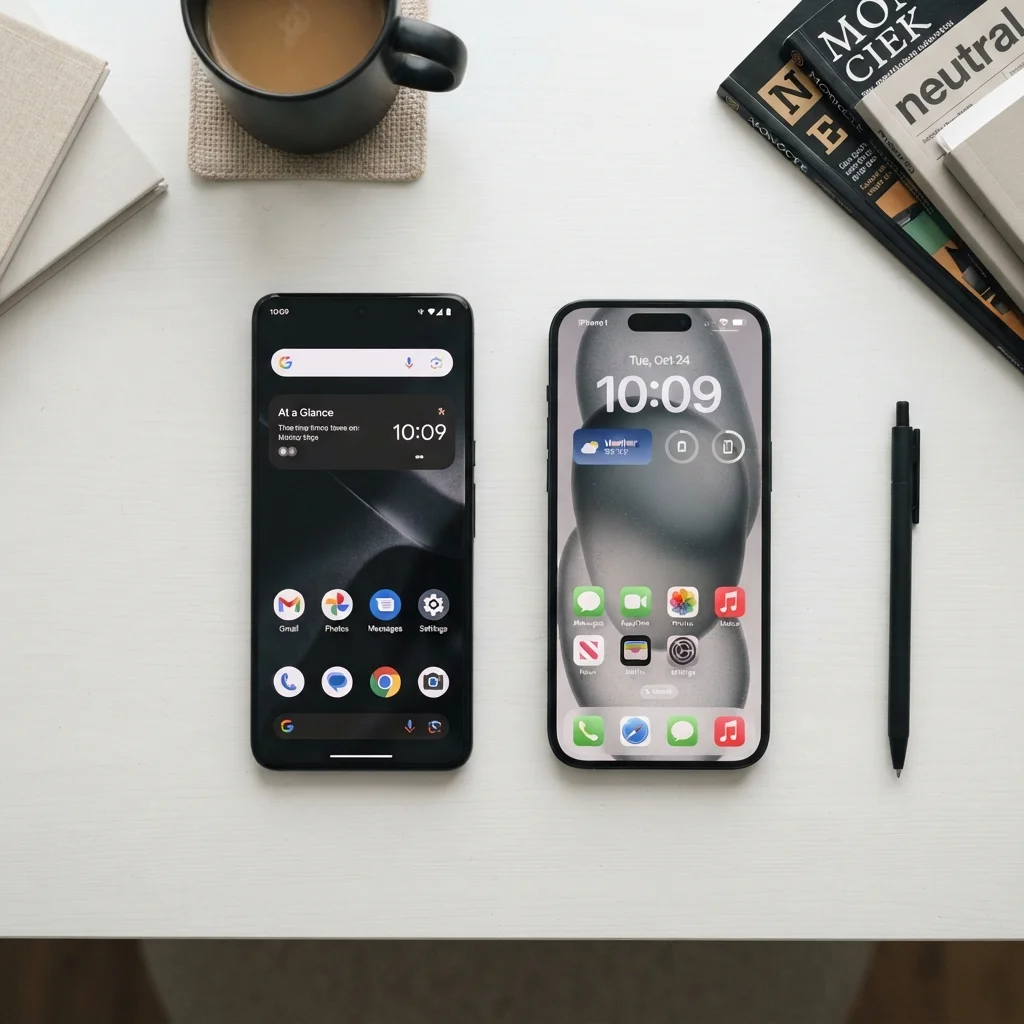
Neither Android nor iOS is objectively superior - they reflect different philosophies about how a mobile platform should work. Android rewards users who want flexibility, hardware variety, and granular control. iOS rewards those who value consistency, long software support, and tight integration across Apple devices. The right choice depends heavily on how you use your phone day-to-day and what other devices are already in your life.
| Best for | Recommended |
|---|---|
| Users who want hardware variety and deeper system customisation | Android |
| Users invested in the Apple device ecosystem (Mac, iPad, AirPods) | iOS |
| Those who prioritise long, predictable software update cycles | iOS |
| Those who want to install apps outside an official store or change system defaults | Android |
The Core Philosophy Difference
Android is an open-source platform developed by Google and licensed to dozens of hardware manufacturers. That openness means you can buy an Android phone at almost any price point, from any number of companies, running varying takes on the software. iOS, by contrast, runs exclusively on Apple hardware. Apple controls both the chip design and the operating system, which creates a tightly integrated environment where the two halves are engineered to work as one.
This structural difference drives almost every trade-off between the two platforms. Android's flexibility comes from its openness; iOS's consistency comes from its closed loop. Neither is a flaw - they're deliberate design choices with real downstream effects on how you experience your device. If you're also weighing what kind of display comes with your phone, our screen technology breakdown explains how panel types vary across the Android hardware landscape.
| Android | iOS | |
|---|---|---|
| Hardware options | Many manufacturers, wide price range | Apple devices only |
| Software update delivery | Varies by manufacturer and carrier | Direct from Apple, simultaneous rollout |
| Default app flexibility | Broad third-party default support | Expanding but more restricted |
| App sideloading | Permitted by default | Limited; expanding in some regions |
| Privacy model | Improving; ad-supported ecosystem | On-device focus; App Tracking Transparency |
| Ecosystem integration | Strong with Google services and Workspace | Strong with Apple devices (Mac, iPad, Watch) |
| Long-term OS support | 3-5 years, varies by manufacturer | Typically 5-6 years |
Software Updates and Long-Term Support
One of the most practical differences between the two platforms is how software updates are distributed. Apple pushes iOS updates directly to all supported devices simultaneously. A device announced as supported will receive updates on the same day as every other supported model. Android updates travel through a more complex chain - Google releases the update, manufacturers adapt it to their own software layer, and then carriers may add another review step before it reaches your phone. This can mean weeks or months of delay, and some devices on older hardware may skip updates entirely.
Apple has generally supported its devices with major OS updates for five to six years. Android's update commitments vary by manufacturer, though several have extended their commitments to four to five years of OS updates in recent years. For users who keep phones for a long time, this timeline matters for both new features and security patches.
Check Your Manufacturer's Update Policy Before Buying
Not all Android manufacturers publish clear update timelines, but many now list guaranteed OS and security update commitments in their product specifications. Before purchasing an Android device, look up the manufacturer's stated support window - it can vary from two years to five or more depending on the model tier. This single factor has an outsized impact on how long a device remains secure and functional.
Customisation and App Access
Android allows users to set third-party apps as defaults for core functions - browsers, email clients, messaging - and to install apps from outside the Google Play Store, a practice called sideloading. This gives technically inclined users meaningful control over how their device behaves. iOS has expanded its default app options in recent years and, in some regions, has begun allowing alternative app marketplaces under regulatory pressure, but it remains a more controlled environment by design.
The App Store on iOS is known for stricter review standards, which generally means fewer malicious apps but also more restrictions on what apps can do. Google Play has a larger total app count and somewhat more permissive policies. In practice, the vast majority of mainstream apps are available on both platforms with feature parity. Differences tend to emerge at the edges - niche utilities, emulators, or apps that interact deeply with the operating system.
It's worth noting that your phone choice connects to a broader ecosystem. If you're considering how your phone integrates with smart home devices, our Google Home vs. Amazon Alexa comparison explores how those platforms interact with both Android and iOS.
Privacy Controls and Data Practices
Both Apple and Google have introduced significant privacy features over the past several years, but their approaches differ structurally. Apple's model emphasises on-device processing - features like facial recognition and Siri processing happen locally where possible, reducing data sent to external servers. Apple also introduced App Tracking Transparency, which requires apps to ask permission before tracking users across other apps and websites.
Google's business model is built significantly around data-informed advertising, which shapes how Android's privacy architecture has evolved. Google has introduced its own privacy controls, including data safety labels in the Play Store and options to limit ad personalisation, but the underlying incentive structure differs from Apple's. Neither platform is immune to privacy concerns - the meaningful question is which trade-offs align with your own priorities.
~72%
Global smartphone OS market share held by Android
According to Statcounter's global mobile OS data, Android accounts for roughly 72% of worldwide smartphone usage, with iOS making up most of the remainder.
~56%
US smartphone market share held by iOS
In the United States, iOS holds a majority share of smartphone usage, reflecting different adoption patterns compared to global averages, per Statcounter data.
For a broader look at how assumptions about privacy and specs can lead buyers astray, see our piece on common smartphone myths.
Switching Costs Are Real
One underappreciated factor in the Android vs. iOS debate is what it actually costs to switch. Paid apps on one platform don't transfer to the other. iMessage threads, Apple Watch pairing, AirDrop habits, and iCloud Photo Library are all iOS-specific. On the Android side, Google Photos libraries, cross-device Android features, and any Google One subscriptions are easier to maintain within that ecosystem.
This switching friction means the "better" platform is often simply the one that fits your existing device relationships. If your household runs on MacBooks and iPads, iOS integration offers real convenience. If your workplace is Google Workspace-centric or you use a Chromebook, Android may slot in more naturally. These decisions compound over time, which is why our guide on assumptions that lead to phone regret is worth reading before committing. And if you're still deciding between a phone and a tablet altogether, this comparison can help clarify which form factor actually fits your life.