

Key Takeaways
- Spreadsheets give you full control and customization at no cost, but require consistent manual effort.
- Budgeting apps automate data entry and send alerts, but may charge fees and request account access.
- Neither tool is universally superior - the right choice depends on your habits and comfort with technology.
- Starting simple matters more than starting with the perfect tool; you can always switch later.
- Security and privacy practices differ significantly between apps, so review permissions before connecting accounts.
Our Verdict
Spreadsheets work well for people who want complete control over their data and don't mind a hands-on approach. Budgeting apps suit those who value automation and real-time visibility but are comfortable granting financial account access. Both methods can produce results - what matters most is picking one and using it consistently.
| Best for | Recommended |
|---|---|
| Those who prefer full customization and data privacy | Spreadsheet |
| Those who want automation and low-friction daily tracking | Budgeting App |
| Budget beginners who want zero cost to start | Spreadsheet |
| People who frequently overspend and benefit from real-time alerts | Budgeting App |
The Core Difference Between These Two Approaches
A budget is simply a plan that matches your spending to your income. The tool you use to maintain that plan is secondary - but it does affect how much effort you'll put in and how likely you are to stick with it.
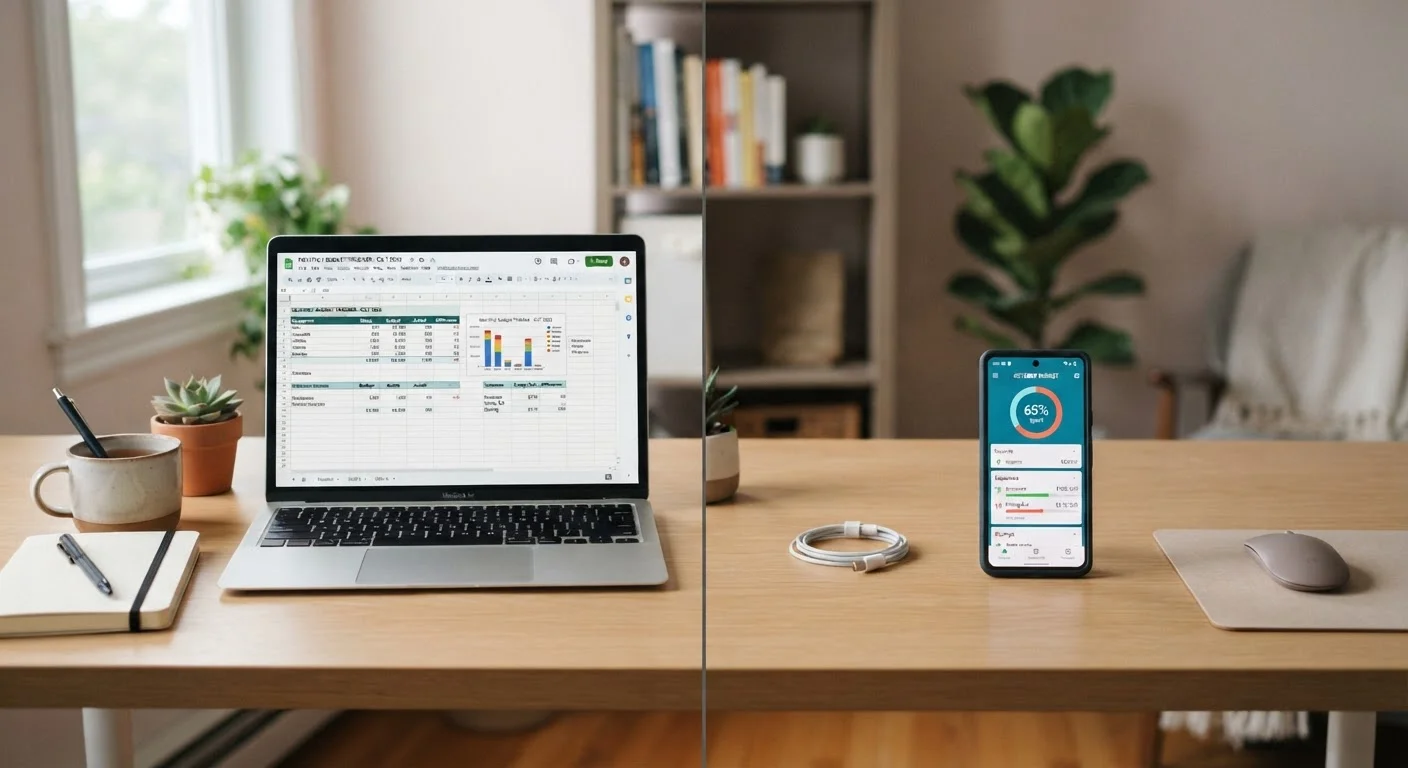
A spreadsheet (such as one built in Google Sheets or Microsoft Excel) is a blank slate. You design the layout, decide which categories to track, enter every transaction manually, and build any formulas you want. A budgeting app is purpose-built software that typically connects directly to your bank and credit card accounts, imports transactions automatically, and categorizes your spending on your behalf.
If you're just getting started, see our plain-language budgeting guide before deciding which tool to use. Understanding basic budget structure first will help you evaluate what each tool actually needs to do for you.
| Spreadsheet | Budgeting App | |
|---|---|---|
| Cost | Free (basic tools available at no charge) | Free to paid (subscriptions common for full features) |
| Setup effort | High - you build the structure yourself | Low - guided setup with account linking |
| Data entry | Manual - you log every transaction | Automatic - synced from linked accounts |
| Customization | Complete - any layout, any category | Limited by app design and plan tier |
| Privacy & data sharing | No third-party access to account data | Requires sharing financial account credentials |
| Real-time alerts | None built in | Common feature in most apps |
| Ease of use long-term | Requires discipline to maintain daily | Lower friction once accounts are linked |
What Spreadsheets Do Well
Spreadsheets excel when you want total ownership of your financial data. Nothing is shared with a third party, no account credentials are handed over, and your categories can be as specific or as broad as your situation requires. If you track fixed and variable expenses differently, you can build that distinction directly into your layout.
The cost is also hard to beat. Google Sheets is free, and many personal finance sites offer downloadable templates at no charge. The trade-off is time: every transaction requires manual entry, and if you skip a few days, catching up becomes a chore that many people abandon.
Start With a Simple Template
If you're new to spreadsheet budgeting, avoid building from scratch right away. Look for a free monthly budget template and modify it to match your actual income and expense categories. A working template you'll use consistently is more valuable than a custom system you abandon after two weeks.
Spreadsheets also scale well. Once you understand your spending patterns, you can add tabs for savings goals, debt payoff timelines, or annual expense projections - without paying for a premium app tier.
What Budgeting Apps Do Well
Budgeting apps reduce the friction of daily tracking. Once you link your accounts, transactions appear automatically, often within 24 hours. Many apps categorize purchases on their own and send notifications when you approach a spending limit in a given category. For people who tend to lose track of small, frequent purchases - coffee runs, subscription renewals, delivery fees - this real-time visibility can be genuinely useful.
Apps also tend to offer visual dashboards: pie charts, spending trends over time, and net worth summaries. These can make patterns easier to spot at a glance. However, many apps charge a monthly or annual subscription fee for their full feature set, and free tiers often come with limited functionality or advertising.
Review App Permissions Carefully
Budgeting apps that connect to your bank use a process called account aggregation, which typically requires your login credentials or a secure token. Before linking any account, review the app's privacy policy, understand what data is stored, and check whether the service is covered under your bank's fraud protections. Not all apps offer the same security standards.
If you're drawn to the app route, it's worth exploring how the envelope method translates into app-based budgeting - some apps are built around exactly that logic.
How to Decide Which Fits Your Habits
Honest self-assessment matters more than feature lists. Ask yourself two questions: How consistently will I enter data manually? and How comfortable am I connecting financial accounts to a third-party service?
- Choose a spreadsheet if you check your accounts regularly, enjoy customizing systems, or have privacy concerns about sharing login credentials with software companies.
- Choose a budgeting app if manual data entry feels like a barrier, you want spending alerts, or you find visual dashboards motivating.
You don't have to commit permanently. Many people start with a spreadsheet, build their budget categories, and later migrate to an app once they understand their spending patterns. Others try an app and return to a spreadsheet when they want more control. Use the monthly budget setup checklist to stay on track regardless of which tool you pick.
Whatever you choose, also consider adding spending categories that standard templates often overlook - irregular but predictable costs like annual subscriptions or car registration fees can quietly derail a budget that only accounts for monthly bills.
This article is for general informational and educational purposes only. It does not constitute personalized financial advice. Consider speaking with a qualified financial professional about decisions specific to your situation.